Powerful Asset Tracking Software: Transform Enterprise Visibility Now
Published on: 04 May 2026
Author: Ankit Kumar Singh
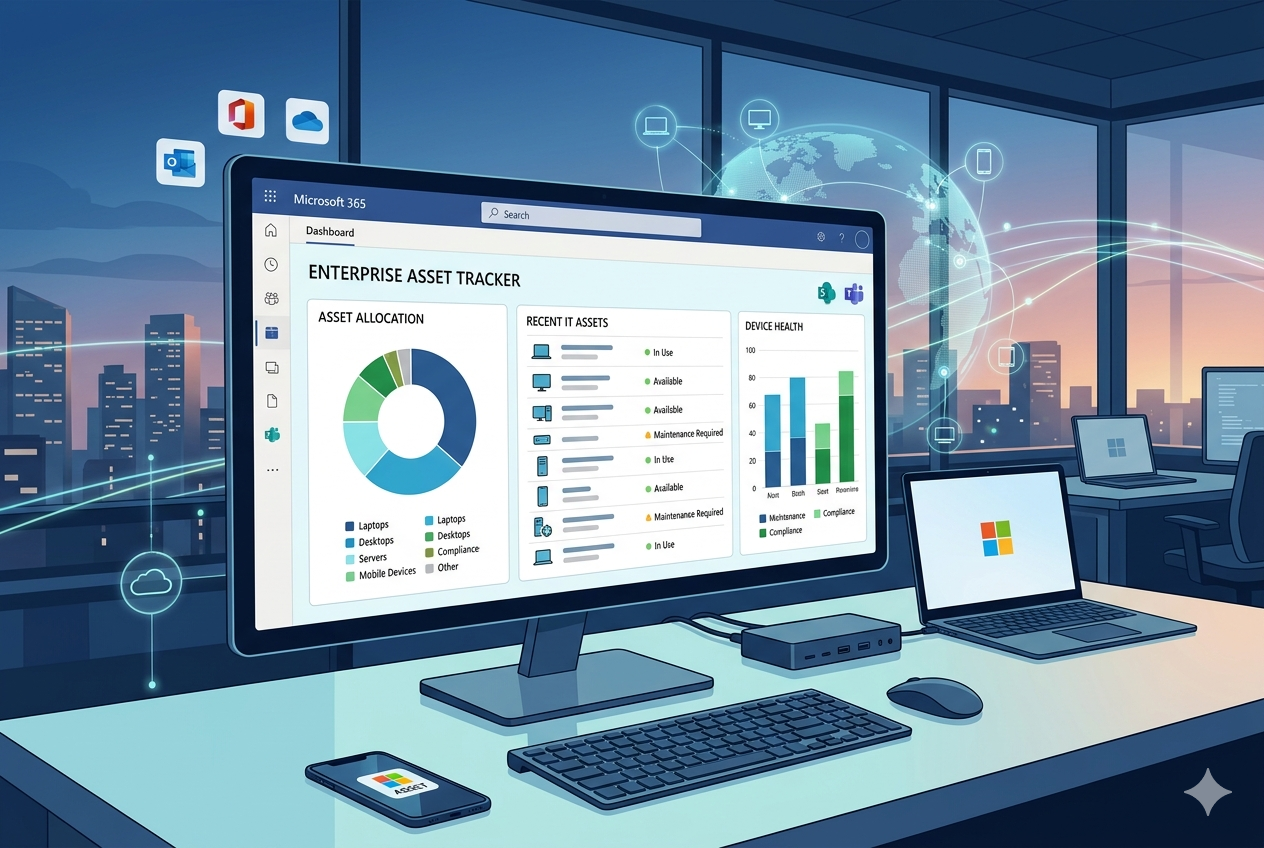
According to industry research, enterprises lose an average of 20% of their total asset value annually due to poor tracking, unplanned downtime, and ghost assets, equipment listed in records that no longer exists. For a mid-sized company managing 5,000 assets, that's millions of dollars evaporating silently every year.
What if you could stop that loss, not with a six-figure enterprise software rollout, but with a smart, scalable asset tracking software built on Microsoft Power Apps that your team is already licensed to use?
That's not a pitch. That's the reality that hundreds of enterprises are living today, and it's exactly what this blog unpacks. From the hidden cost of asset blind spots to real case studies and the most powerful solution on the Microsoft Marketplace, you'll walk away with a clear action plan.
The Enterprise Asset Visibility Crisis: A Problem Hiding in Plain Sight
Enterprise leaders often invest heavily in ERP systems, cloud infrastructure, and cybersecurity; yet overlook the foundational layer that connects all of it: knowing precisely where their assets are, who is using them, their current condition, and when they need to be serviced or retired.
Asset visibility, the real-time awareness of your entire asset estate, is the difference between operational efficiency and chaos. And for most enterprises today, visibility is a blind spot.
The Core Problems Enterprises Face Without Asset Tracking Software

Ghost Assets: Equipment listed in financial records that is broken, lost, or disposed of, yet still being depreciated. Studies suggest up to 30% of enterprise assets qualify as ghost assets.
Reactive Maintenance: Teams scramble to fix broken assets rather than scheduling preventive upkeep, leading to costly downtime and inflated repair bills.
Compliance Exposure: Without documented asset histories, audits become nightmares. Industries like healthcare, finance, and manufacturing face steep penalties for non-compliance.
Fragmented Data: Asset records scattered across spreadsheets, emails, and siloed systems make cross-team collaboration impossible and decisions slow.
Manual Check-In/Out Processes: Paper logs and ad hoc tracking lead to misassignment, loss, and zero accountability.
These aren't minor inefficiencies. They're strategic vulnerabilities and they demand a modern solution.
What Is Asset Tracking Software and Why Power Apps Changes Everything
Asset tracking software is a digital system that records, monitors, and manages the full lifecycle of physical and digital assets across an organization. It typically covers asset registration, location tracking, assignment, maintenance scheduling, depreciation calculation, and retirement.
Traditional asset management tools are often expensive, rigid, and difficult to integrate with existing Microsoft ecosystems. That's precisely why Power Apps has emerged as the game-changing platform for modern enterprises.
Why Microsoft Power Apps Is the Right Foundation
| Feature | Traditional Software | Power Apps-Based Solution |
|---|---|---|
| Deployment Time | 6 to 18 months | 2 to 8 weeks |
| Customization | Limited / Expensive | Highly flexible, low-code |
| M365 Integration | Complex connectors | Native, out-of-the-box |
| Cost | High licensing fees | Included in M365 plans |
| Scalability | Module-based upsells | Scales with your tenant |
| Mobile Access | Separate app / limited | Full mobile-first support |
Power Apps sits at the heart of the Microsoft Power Platform integrating natively with SharePoint, Dataverse, Teams, Power Automate, and Power BI. This means your asset tracking software on Power Apps isn't just a standalone tool it's woven into the very fabric of how your organization already works.
Key Features of a Best-in-Class Asset Tracking Solution for Enterprises

When evaluating the best asset tracking solution for enterprises built on Power Apps, look for these non-negotiable capabilities:
1. Real-Time Asset Monitoring Software
Asset monitoring software should give you a live dashboard of every asset its location, status, assigned user, condition, and upcoming maintenance schedule. Power Apps enables this through Dataverse integration and Power BI embedded dashboards, delivering sub-second visibility updates across your entire asset estate.
2. Complete Asset Lifecycle Management
The best asset lifecycle management tool tracks every stage from procurement and commissioning, through active use and maintenance, to decommissioning and disposal. This complete cradle-to-grave record eliminates ghost assets, supports accurate depreciation accounting, and gives audit teams the documentation they need.
3. Centralized Asset Management Software for Teams
Centralized asset management software for teams means every department, IT, facilities, finance, operations, works from a single source of truth. No more siloed spreadsheets. No more version conflicts. Role-based access ensures each team sees exactly what they need, with full audit trails on every action.
4. Barcode and QR Code Scanning
Power Apps' native barcode scanner transforms any mobile device into a powerful asset scanner. Field technicians can check in equipment, update status, and record maintenance notes in seconds without returning to a desktop or manually entering data.
5. Automated Maintenance Workflows
Power Automate integration enables automatic notifications for scheduled maintenance, warranty expiration, and asset check-in/check-out workflows reducing manual oversight and ensuring nothing falls through the cracks.
6. Advanced Reporting and Analytics
Built-in Power BI connectivity turns raw asset data into actionable intelligence, utilization rates, maintenance cost trends, depreciation schedules, and cross-department allocation reports, all in real time.
BugendaiTech Digital Asset Manager: The Enterprise-Ready Power Apps Solution
Publisher: BugendaiTech Private Limited | Platform: Microsoft Power Apps | Category: Asset Management
BugendaiTech, a trusted Microsoft solutions partner, has built the Digital Asset Manager, a purpose-designed asset tracking software on Power Apps that transforms how enterprises manage their physical and digital asset portfolios.
Available directly from the Microsoft Marketplace, this solution requires zero additional infrastructure it runs entirely within your existing Microsoft 365 tenant, making deployment as fast as days, not months.
What Makes BugendaiTech's Digital Asset Manager Stand Out
Microsoft-Native Architecture: Built entirely on Power Apps and Dataverse, no third-party dependencies, no shadow IT.
End-to-End Asset Lifecycle: Manage procurement, assignment, tracking, maintenance, and retirement from a single unified interface.
Team-Based Access Control: Role-based permissions ensure the right people see the right data from executives reviewing utilization reports to technicians logging field work.
Real-Time Dashboards: Live asset status views powered by Power BI give decision-makers instant visibility across the enterprise.
Barcode/QR Scanning: Enable rapid, accurate asset identification from any mobile device.
Automated Alerts: Power Automate-driven notifications for maintenance schedules, warranties, and assignment changes.
Scalable for Any Enterprise Size: Whether you manage 500 or 500,000 assets, the solution scales within your Microsoft tenant.
Rapid Deployment: Pre-built templates and BugendaiTech's implementation expertise mean you're live in weeks.
BugendaiTech's broader Microsoft practice covers Azure, Dynamics 365, Power Platform, AI/ML, and IoT meaning your Digital Asset Manager isn't an isolated tool, but part of a complete enterprise digital transformation ecosystem.
Real-World Case Studies: Power Apps Asset Tracking in Action
These case studies demonstrate the measurable impact that Power Apps-based asset tracking software delivers across different industries.
Case Study 1: Global IT Company — Multi-Country Asset Tracking
Industry: IT Services | Scope: Global, Multi-Country | Platform: Power Apps + Dataverse
Challenge:
A rapidly scaling global IT services company had offices across multiple countries and thousands of IT assets, laptops, servers, networking equipment, tracked through disconnected spreadsheets. The team struggled with ghost assets, currency discrepancies in asset valuations, and zero utilization visibility.
Solution:
Power Apps was deployed as a centralized asset management platform, handling asset registration, barcode scanning, multi-currency valuation (with automatic USD normalization), utilization tracking, depreciation schedules, and warranty management.
Results:
Full solution delivered in under 30 days at a fraction of competing SaaS costs. Ghost assets were eliminated within the first audit cycle. Utilization reports enabled redeployment of underused assets, saving six-figure hardware spend. A unified multi-currency dashboard gave the CFO real-time global asset valuation visibility.
Case Study 2: Healthcare Network — Compliance-Driven Equipment Tracking
Industry: Healthcare | Scope: Regional Multi-Site | Platform: Power Apps + Power Automate + Teams
Challenge:
A regional healthcare network managing 12 facilities needed to track thousands of medical devices, beds, diagnostic equipment, and IT assets across sites with full compliance documentation for HIPAA and Joint Commission audits. Manual logs and email-based maintenance requests created dangerous gaps.
Solution:
Power Apps provided a centralized asset monitoring software with QR code scanning, automated maintenance workflows via Power Automate, Teams-integrated notifications for urgent asset issues, and a full audit trail for every asset interaction.
Results:
Maintenance compliance rate rose from 67% to 98% within 60 days of deployment. Audit preparation time was reduced by 80%, with documentation retrieved in minutes, not days. Zero compliance penalties were incurred in the first annual Joint Commission audit post-deployment. Cross-facility asset sharing was optimized, reducing emergency equipment procurement by 35%.
Case Study 3: Manufacturing Enterprise — Field Asset Monitoring at Scale
Industry: Manufacturing | Scope: 8 Production Sites | Platform: Power Apps + Power BI + IoT Hub
Challenge:
A mid-sized manufacturing company with 8 production sites needed to track $40M+ in production equipment, tools, and vehicles. Reactive maintenance was costing them 14% of annual revenue in unplanned downtime. Finance teams had no reliable depreciation data for year-end reporting.
Solution:
An asset tracking and lifecycle management solution built on Power Apps captured asset registration, condition grading, preventive maintenance scheduling, and real-time location across all sites. Power BI dashboards gave site managers and finance a unified view of asset health and value.
Results:
Unplanned downtime was reduced by 62% in 6 months through preventive maintenance workflows. The finance team produced its first fully accurate depreciation report in company history. Cross-site asset visibility enabled redeployment of idle equipment worth $2.1M. ROI was achieved within 4 months of deployment.
How to Choose the Best Asset Tracking Solution for Your Enterprise
Not every asset tracking solution is built for enterprise scale. Here's a decision framework to evaluate options against your organization's needs:
| Evaluation Criteria | What to Look For | BugendaiTech Score |
|---|---|---|
| Microsoft Ecosystem Fit | Native Power Apps / M365 integration | ✅ Native |
| Deployment Speed | Days to weeks, not months | ✅ 2 to 4 weeks |
| Customization | No-code / low-code configuration | ✅ Full |
| Asset Lifecycle Coverage | Procurement to retirement | ✅ Complete |
| Mobile Capability | iOS + Android barcode scanning | ✅ Full mobile |
| Reporting & Analytics | Power BI embedded dashboards | ✅ Real-time |
| Scalability | Works for 500 to 500,000+ assets | ✅ Enterprise-grade |
| Support & Partnership | Certified Microsoft partner | ✅ Certified |
How BugendaiTech's Asset Tracking Software Works: Step by Step
Here's how enterprises implement and use the BugendaiTech Digital Asset Manager in practice:
Step 1 — Asset Registration: Assets are entered into the system with full details, category, serial number, purchase date, value, location, and assigned department. QR or barcode labels are generated and printed.
Step 2 — Assignment & Check-Out: Assets are assigned to individuals, teams, or locations. The system records who has what, when, and for how long. Approval workflows can be configured for high-value items.
Step 3 — Real-Time Monitoring: Dashboards display live asset status across the organization. Any status change, maintenance, transfer, or damage, is logged with a full audit trail.
Step 4 — Scheduled Maintenance: The asset lifecycle management tool automatically generates maintenance work orders, notifies technicians via Teams, and records completion with supporting documentation.
Step 5 — Reporting & Insights: Power BI dashboards surface utilization rates, maintenance costs, depreciation curves, and compliance status enabling data-driven asset investment decisions.
Step 6 — Retirement & Disposal: When assets reach end-of-life, the system manages decommissioning workflows, updates financial records, and retains historical data for audit purposes.
Enterprise Asset Tracking: Industry-Specific Applications
The best asset tracking solution for enterprises must adapt to the unique requirements of different industries. Here's how Power Apps-based asset management delivers value across sectors:
Information Technology
Track laptops, servers, monitors, and network hardware across offices and remote workers. Automate IT asset refresh cycles, warranty alerts, and software license management. Ideal for IT asset managers overseeing distributed workforces.
Healthcare & Life Sciences
Maintain compliance-ready records of medical devices, diagnostic equipment, and facility assets. Automated maintenance scheduling ensures patient safety standards are met, while audit trails simplify HIPAA and Joint Commission documentation.
Manufacturing & Industrial
Monitor production equipment, tools, and vehicles across multiple sites. Integrate with IoT sensors for predictive maintenance. Track asset depreciation for accurate financial reporting and insurance compliance.
Education & Higher Education
Manage classrooms full of technology, lab equipment, furniture, and facility assets across campuses. Simplify asset check-out for students and faculty with barcode-enabled mobile apps.
Government & Public Sector
Maintain transparent, auditable records of publicly owned assets. Support procurement transparency, disposal compliance, and cross-agency asset sharing with full digital documentation.
Financial Services
Track branch equipment, technology assets, and high-value items with role-based access control and full audit trails that satisfy regulatory requirements.
Transform Your Enterprise Asset Visibility Today
Every day your enterprise runs without proper asset tracking software is a day you're making investment decisions, maintenance calls, and compliance assessments without the data you need. The cost isn't just financial it's strategic. Organizations that don't know their assets can't optimize them, protect them, or plan around them.
The good news? The solution is already in your Microsoft stack. With BugendaiTech's Digital Asset Manager on Power Apps, you get enterprise-grade asset visibility in weeks, not months, without ripping out existing systems or blowing your budget.
✅ Get BugendaiTech Digital Asset Manager on Microsoft Marketplace
https://marketplace.microsoft.com/en-us/product/bugendaitechprivatelimited1711005939663.digital_asset_manager?tab=Overview
✅ Explore BugendaiTech's Full Microsoft Solutions Portfolio
https://www.bugendaitech.com
✅ Schedule an Enterprise Consultation
Contact BugendaiTech to discuss your specific asset management requirements and get a tailored implementation plan.