Build with React on Salesforce: Multi-Framework Is Now GA
Published on: 03 August 2026
Author: Arpita
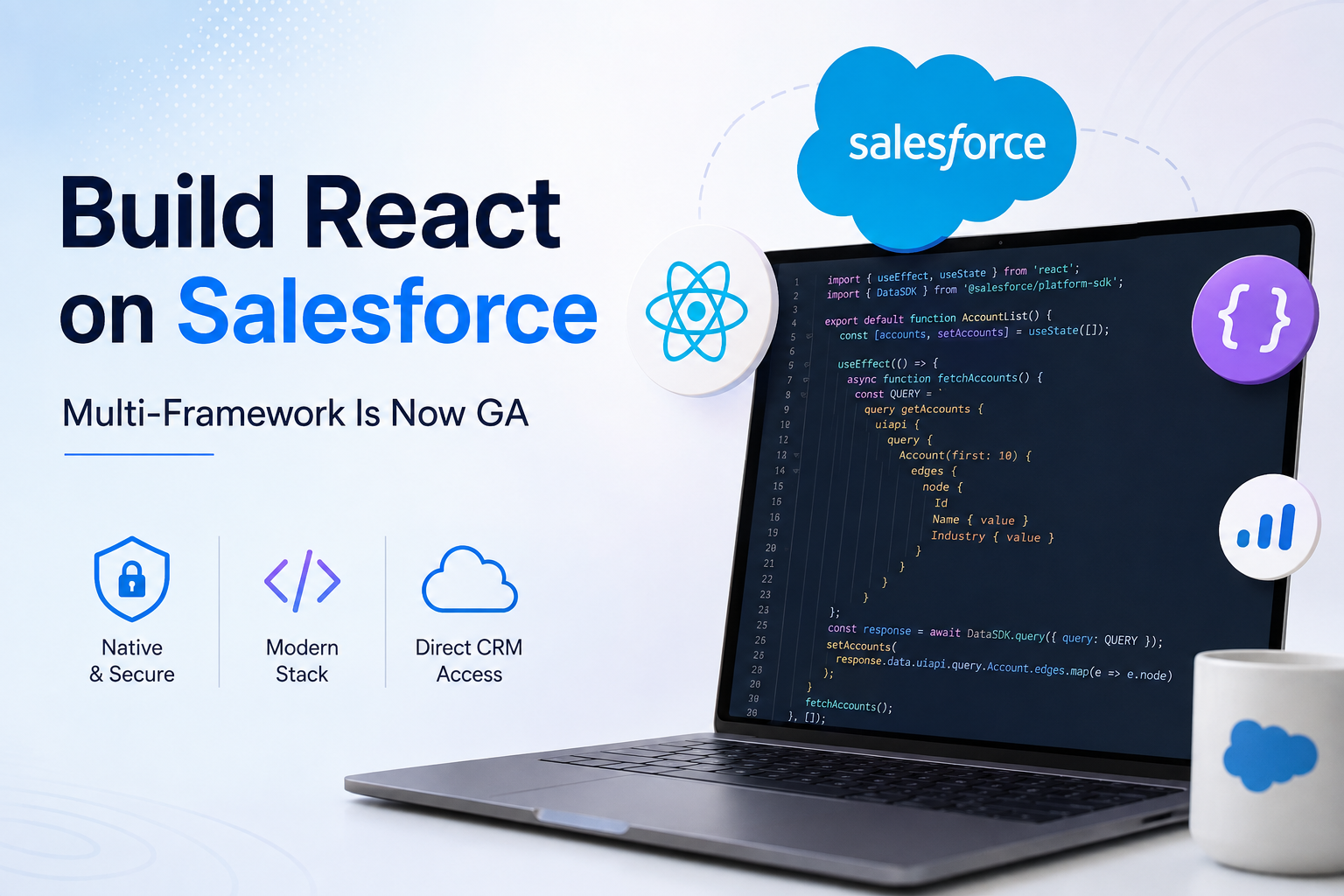
The wait is officially over. Salesforce Multi-Framework is Generally Available (GA) as of July 16, 2026.
For years, building web applications directly on the Salesforce platform meant adhering exclusively to Lightning Web Components (LWC) or Aura. While LWC remains the high-performance default for declarative, Lightning App Builder-driven experiences, enterprise teams have increasingly asked for flexibility: Can we run our existing React component libraries natively on Salesforce without hacky iFrames or external hosting?
Today, the answer is a resounding yes.
Multi-Framework brings a framework-agnostic runtime to the platform. You can now build, deploy, and execute React applications natively on Salesforce-backed by automatic authentication, platform governance, and direct access to CRM data via GraphQL and Apex.
What’s Under the Hood?
Multi-Framework isn't just a container; it's a first-class execution environment built into the salesforce.app domain origin, ensuring hard browser security boundaries via the native Same-Origin Policy.
When you initialize a net-new Multi-Framework project using the ui-bundle template in the SFDX CLI or Agentforce Vibes, you get a modern web stack pre-configured out of the box:
sf template generate ui-bundle --name myReactAppThe resulting bundle lives in force-app/main/default/uiBundles and includes:
- Vite: Next-generation frontend tooling for local dev and fast hot module replacement (HMR).
- Vitest: Blazing-fast unit testing framework.
- Tailwind CSS & shadcn/ui: Utility-first styling and accessible component primitives.
- Salesforce Data SDK (@salesforce/platform-sdk): Native client library for GraphQL CRUD, Apex calls, and UI API interaction.
Zero-Token Data Access: The Data SDK
One of the biggest friction points of running React externally was managing OAuth flow, token refreshes, and API gateways.
With Multi-Framework running natively inside the authenticated org context, authentication is implicit. The updated Data SDK leverages native platform session context-meaning your code never touches, stores, or refreshes access tokens.
Here is how straightforward a GraphQL query looks inside a React component:
import { useEffect, useState } from 'react';
import { DataSDK } from '@salesforce/platform-sdk';
export default function AccountList() {
const [accounts, setAccounts] = useState([]);
const [loading, setLoading] = useState(true);
useEffect(() => {
async function fetchAccounts() {
const QUERY = `
query getAccounts {
uiapi {
query {
Account(first: 10) {
edges {
node {
Id
Name { value }
Industry { value }
}
}
}
}
}
}
`;
try {
// Direct .query() call using implicit org session context
const response = await DataSDK.query({ query: QUERY });
const recordList = response.data.uiapi.query.Account.edges.map(e => e.node);
setAccounts(recordList);
} catch (error) {
console.error('Error querying Salesforce data:', error);
} finally {
setLoading(false);
}
}
fetchAccounts();
}, []);
if (loading) return Loading records...;
return (
{accounts.map(acc => (
-
{acc.Name.value}
{acc.Industry.value || 'N/A'}
))}
);
}What Changed Between Beta and GA?
If you started building during the open beta, here are the key updates you need to account for in production deployments:
- Production Org Support: Multi-Framework is enabled across all Production, Sandbox, Scratch, and Developer Edition orgs running Summer '26 or later.
- CustomApplication Metadata Target: The beta AppLauncher target has been deprecated. Employee-facing React apps now require a CustomApplication metadata definition to tie the UI Bundle to the App Launcher.
- Data SDK Package Renaming: The Data SDK has migrated to
@salesforce/platform-sdk, splitting read/write calls explicitly into.query()and.mutate()methods. - Agentforce Vibes 2.0 Integration: You can scaffold React applications, GraphQL schemas, and metadata straight from natural language prompts using Agentforce Vibes governed "vibe coding".

LWC vs. React: Choosing the Right Tool
Multi-Framework doesn't deprecate Lightning Web Components. LWC remains the foundational, highly optimized framework for standard Lightning pages, App Builder drag-and-drop flexibility, and base SLDS component usage.
| Capability | Lightning Web Components (LWC) | React (Multi-Framework) |
|---|---|---|
| Primary Data Access | @wire & Lightning Data Service | @salesforce/platform-sdk (GraphQL / Apex) |
| Component Ecosystem | 80+ Native Salesforce Base Components | Full npm ecosystem (shadcn/ui, MUI, Tailwind) |
| App Builder Support | Full drag-and-drop placement (GA) | Programmatic / Custom App (App Builder in preview) |
| Target Audience | Salesforce Specialists & Admins | Cross-platform Web & React Engineers |
| Local Dev Tooling | LWC Local Development | Native Vite & Vitest at localhost:5173 |
Use LWC when building standard CRM extensions that require App Builder placement or rely on standard Salesforce UI patterns. Reach for React when onboarding frontend engineering teams, migrating existing React web apps into Salesforce, or building highly custom user interfaces using standard web packages.
To start building today, verify that your org has Multi-Framework enabled under Setup > React Development with Salesforce Multi-Framework, pull down the latest sf CLI plugin, or explore the updated samples in the Salesforce Multi-Framework Recipes Repo.