Why Next.js and Payload CMS Are a Powerful Stack for Modern Web Applications
Published on: 20 April 2026
Author: Rutuja Pharande
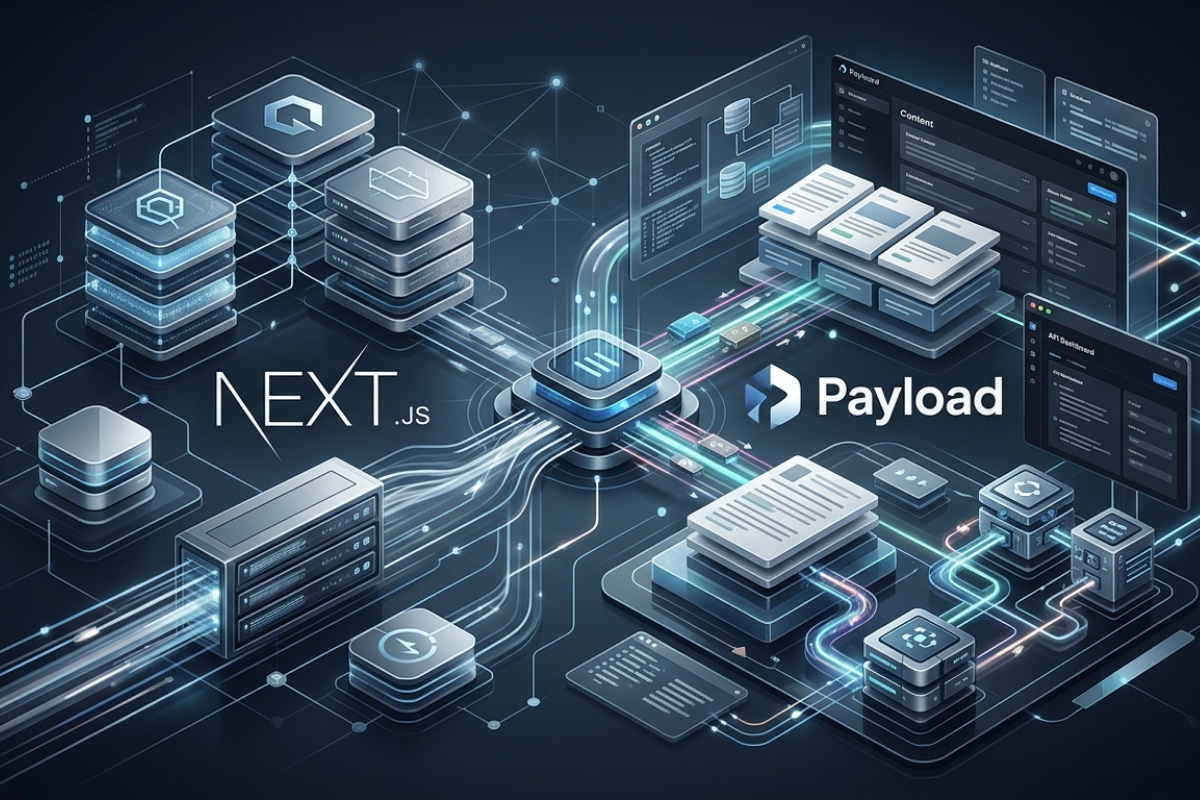
Today’s web applications go far beyond simply displaying information.They require high performance, scalability, adaptability, and efficient content handling. Traditional monolithic systems often struggle to meet these demands due to rigid architectures and performance limitations.
Combining Next.js with Payload CMS offers a modern solution to these challenges. This pairing allows developers to create fast, scalable, and content-focused applications while maintaining full control over both frontend and backend layers.
Understanding the Core Technologies
Next.js is a React framework designed to build high-performance applications using techniques such as server-side rendering (SSR), static site generation (SSG), and hybrid rendering approaches. These capabilities improve speed and search engine visibility.
Payload CMS is a headless content management system built with Node.js, tailored for developers. It provides complete control over data models, APIs, authentication systems, and database structure.
What is Payload CMS + Next.js?
Next.js is a React-based framework that enables server-side rendering (SSR), static site generation (SSG), and hybrid rendering strategies to build fast and SEO-friendly applications.
Payload CMS is a developer-first, headless CMS built with Node.js that allows full control over content models, APIs, authentication, and database structure.
- Payload CMS = Content & backend logic
- Next.js = Frontend rendering & performance
Why Use Them Together?
- Using Next.js with Payload CMS creates a clean separation of concerns:
- Backend handles content, authentication, and APIs
- Frontend focuses on UI and performance
Key Benefits:
- High-performance rendering (SSR + SSG)
- Flexible schema and content modeling
- API-first architecture
- Scalable and maintainable systems
- Better developer experience
- Clean Separation of Concerns Frontend and backend evolve independently

Who Should Use This Stack?
This combination works particularly well for:
- Startups developing scalable MVPs
- Enterprises handling large-scale content systems
- SaaS platforms with dynamic user interfaces
- E-commerce solutions requiring flexibility
- Development teams seeking architectural control

Why This Stack Matters in Modern Development
1. Developer-Focused CMS vs Traditional CMS
Traditional systems like WordPress often:
- Restrict customization
- Rely heavily on plugins
- Combine frontend and backend tightly
In contrast, Payload CMS:
- Offers complete backend control
- Uses code-based configuration
- Reduces dependency on third-party plugins
2. API-First Design
Payload CMS provides REST and GraphQL APIs out of the box, enabling smooth integration with any frontend.

This approach allows:
- Independent evolution of frontend and backend
- Easier scaling and maintenance
- Better performance tuning
3. Flexibility Compared to WordPress-Type Systems
| Feature | Payload CMS | WordPress |
|---|---|---|
| Customization | Fully code-driven | Limited, plugin-based |
| Performance | High | Moderate |
| Architecture | Headless | Monolithic |
| Developer Control | Complete | Restricted |
Detailed Comparisons
Payload CMS vs Strapi
| Feature | Payload CMS | Strapi |
|---|---|---|
| Customization | Code-first | Admin-focused |
| TypeScript Support | Built-in | Partial |
| Performance | High | Good |
| Flexibility | Very high | Moderate |
Payload CMS is more suitable when deep customization and performance tuning are priorities.
Payload CMS vs Sanity
| Feature | Payload CMS | Sanity |
|---|---|---|
| Hosting | Self-hosted | SaaS |
| Customization | Full backend control | Limited backend control |
| Pricing | Flexible | Subscription-based |
| Use Case | Full-stack applications | Content-heavy platforms |
Payload CMS is a better choice for projects requiring custom backend logic.
When Payload CMS May Not Be the Right Choice
Consider alternatives if:
- You need a no-code or low-code solution
- Your team lacks backend development experience
- You prefer a fully managed SaaS CMS
- The project is small or very simple
Step-by-Step Integration Guide
1. Set Up the Payload Backend
- Install Payload CMS
- Define collections (e.g., posts, users)
- Configure authentication and roles
2. Connect the Next.js Frontend
- Create a Next.js application
- Configure API endpoints
- Use environment variables for configuration
3. Retrieve Data from APIs
- Use REST or GraphQL endpoints
- Fetch data using tools like fetch or axios
4. Render Dynamic Pages
- Implement dynamic routes (e.g., [slug].js)
- Choose SSR or SSG based on requirements

Content Management and Dynamic Rendering
One of the strongest advantages of Payload CMS is its user-friendly admin panel. It allows non-technical users to manage content, upload media, and update data without developer involvement.
Next.js consumes this content and dynamically renders it on the frontend. With dynamic routing, pages such as blogs, product details, or user profiles can be generated automatically based on backend content.
This separation of concerns improves both scalability and maintainability.
Performance and Optimization Benefits
Performance is a key focus of modern applications, and Next.js provides multiple optimization features:
- Image optimization for faster loading
- Code splitting for efficient resource usage
- Incremental Static Regeneration (ISR) for dynamic updates
Payload CMS complements this with efficient data handling and lightweight backend operations, ensuring smooth performance across the system.
Deployment Strategy
This stack supports flexible deployment across modern cloud environments.
Typical setup includes:
- Next.js deployed on platforms like Vercel
- Payload CMS hosted on cloud servers such as DigitalOcean
- Media assets stored in object storage systems (buckets)
This separation ensures scalability, high availability, and easier maintenance of both frontend and backend systems.
Benefits
- Independent scaling of services
- High system availability
- Improved fault isolation

How This Stack Enhances Team Productivity
- Developers can focus on building features instead of CMS limitations
- Content teams can work independently
- Development cycles become faster
- Architecture remains clean and organized
Adoption and Team Impact
Beyond technical benefits, this stack improves team productivity and collaboration. Payload CMS allows non-developers to manage content independently, reducing dependency on engineering teams.
Sharing knowledge through documentation and internal walkthroughs helps teams adopt a more API-driven and modern development approach.

Conclusion
The combination of Next.js and Payload CMS provides a modern and efficient approach to building content-driven applications. It offers flexibility, strong performance, and a scalable architecture suitable for production-grade systems.
By adopting this stack, developers can build faster, manage content more effectively, and deliver better user experiences across web applications.